By using this website, you agree to our Privacy Policy and Terms of Use.
Accept
Craftium.AICraftium.AICraftium.AI
  • Home
  • News
  • Knowledge base
  • Catalog
  • Blog
Font ResizerAa
Craftium.AICraftium.AI
Font ResizerAa
Пошук
  • Home
  • News
  • Catalog
  • Collections
  • Blog
Follow US
  • Terms of Use
  • Privacy Policy
  • Copyright
  • Feedback
© 2024-2025 Craftium.AI.

Microsoft Copilot receives GPT-5.1 and new features

Updates for Windows and mobile users add 3D modeling capabilities, reminder organization, and project management

Eleni Karasidi
Eleni Karasidi
Published: 08.12.2025
News
11 Views
Copilot
Illustrative image.
SHARE

Microsoft has begun rolling out an update for Copilot with GPT-5.1, replacing the previous GPT-5 version in “Smart” mode. Some Windows users have already received this update, and the company is preparing it for wider access in the web version and on mobile devices. The “Smart” mode will remain the primary mode for complex and ambiguous queries, providing users with up-to-date AI capabilities.

A new feature for creating and remixing 3D models based on images has appeared in the Copilot Imagine gallery. Microsoft actively showcases user works in this gallery, encouraging experimentation with new forms of creativity using Copilot.
Читайте також

Magic ball
OpenAI released a guide for effective work with GPT-5.1
OpenAI introduces new GPT-5.1 models for ChatGPT users
OpenAI prepares GPT-5.1 for complex user tasks

Among the new options is the “Reminders” menu. This feature allows users to view, create, and manage reminders, combining notes with scheduled prompts. This approach makes Copilot unique among leading AI assistants, as such capabilities are rarely found outside of individual platforms.

Microsoft continues to expand organizational tools, working on the “Projects” feature. It will help users conveniently organize and manage chat history. Similar functionality is already available in ChatGPT, and now it will also appear in Copilot, enhancing the efficiency of working with AI.

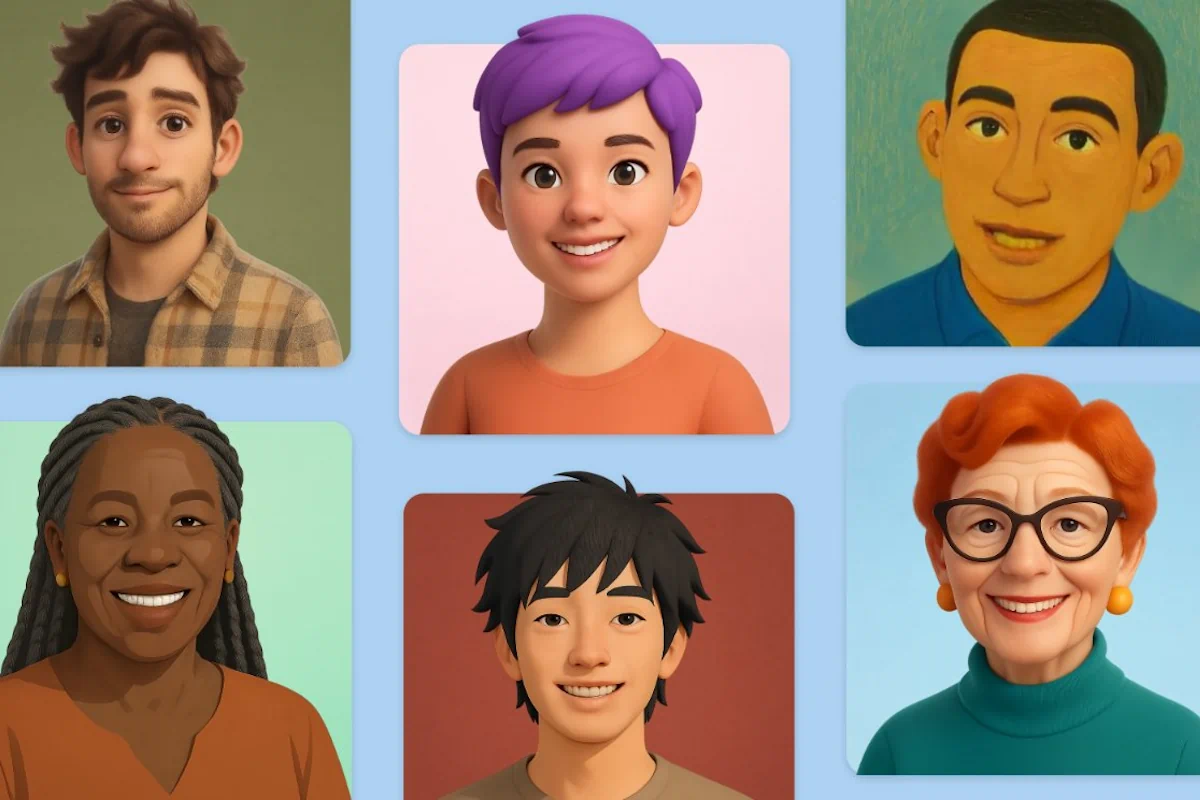
Microsoft launches MAI-Image-1 for AI image generation
Microsoft Copilot Gains Video Generation and New Shopping Tab
New MAI-Image-1 Generator by Microsoft Makes Top 10
New Copilot Avatars Add Emotions to Voice Conversations
New Agent Mode in Word and Excel Simplifies Data Handling
TAGGED:3DCopilotGPT-5Microsoft
SOURCES:testingcatalog.com
Leave a Comment

Leave a Reply Cancel reply

Follow us

XFollow
YoutubeSubscribe
TelegramFollow
MediumFollow

Popular News

Hallucinating brain
Gemini 3 Pro tops the model accuracy test (but continues to hallucinate)
23.11.2025
grok
Grok 4.1 by xAI is now available to all users for free
18.11.2025
Wikipedia main page
Wikimedia demands AI companies properly use Wikipedia
11.11.2025
Creative Canvas
Google Tests Creative Canvas and Visual Layout in Gemini
15.11.2025
Nano Banana
Google to Release Gemini 3 and Nano Banana Pro This November
16.11.2025

Читайте також

ChatGPT model selection
News

ChatGPT automatically selects a stricter model in sensitive conversations

29.09.2025
365 Copilot
News

New Claude Models from Anthropic Available in 365 Copilot

25.09.2025
ChatGPT
News

ChatGPT tests the possibility of using experimental models

25.09.2025

Craftium AI is a team that closely follows the development of generative AI, applies it in their creative work, and eagerly shares their own discoveries.

Navigation

  • News
  • Reviews
  • Collections
  • Blog

Useful

  • Terms of Use
  • Privacy Policy
  • Copyright
  • Feedback

Subscribe for AI news, tips, and guides to ignite creativity and enhance productivity.

By subscribing, you accept our Privacy Policy and Terms of Use.

Craftium.AICraftium.AI
Follow US
© 2024-2025 Craftium.AI
Subscribe
Level Up with AI!
Get inspired with impactful news, smart tips and creative guides delivered directly to your inbox.

By subscribing, you accept our Privacy Policy and Terms of Use.

Welcome Back!

Sign in to your account

Username or Email Address
Password

Lost your password?