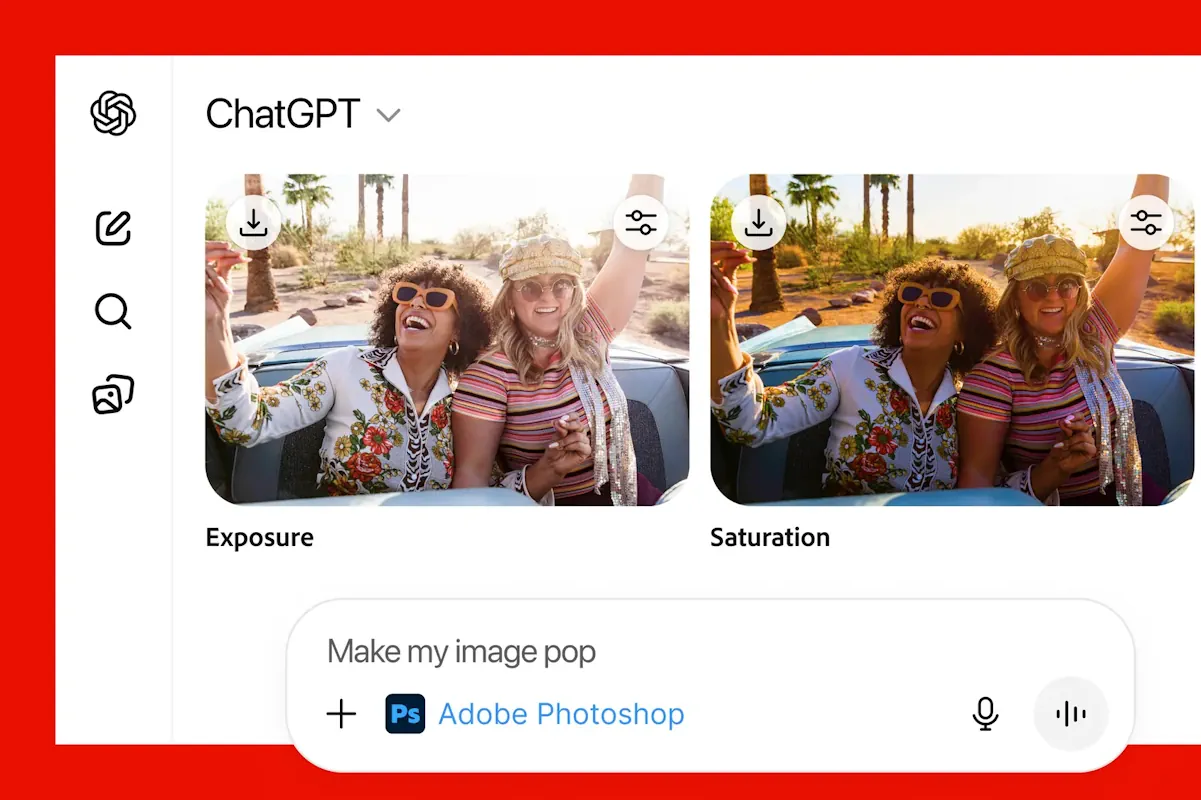
Adobe has added the ability to use Photoshop, Acrobat, and Express for free directly in ChatGPT. Now users can edit photos, create invitations, or work with PDF documents simply by describing the desired action in the chat. To start, you need to upload a file, enter the name of the required application, such as “Adobe Photoshop,” and briefly specify what needs to be done, such as blurring the background or changing the brightness.
In Photoshop for ChatGPT, basic image editing functions are available: you can change brightness, contrast, exposure, select individual objects, and apply effects. Adobe Express allows you to choose from a large library of templates, edit text, replace images, and add animation. To create invitations or posters, it is enough to specify a theme or style, and the system will help select the appropriate design.
The Adobe Acrobat application in ChatGPT allows you to edit PDF files, extract text and tables, combine and organize documents, compress or convert files without losing quality. You can also delete confidential data to protect information. All these actions are performed through simple text requests in the chat.
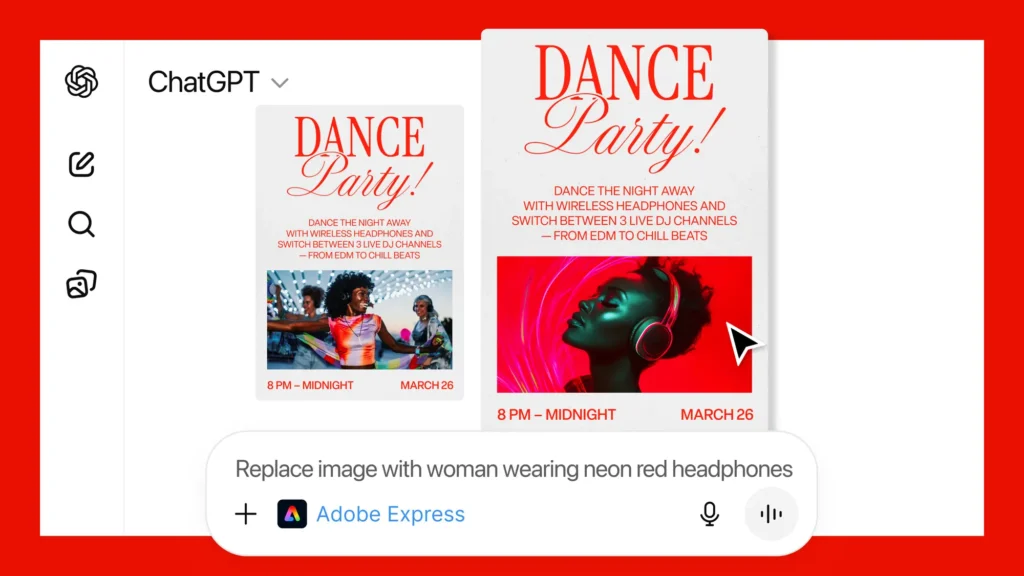
New features are already available to ChatGPT users on the web version, on PC, and iOS. Adobe Express also works on Android, and support for Photoshop and Acrobat for this system will appear later. The integration allows you to quickly perform daily tasks with design and documents without switching between different programs.